
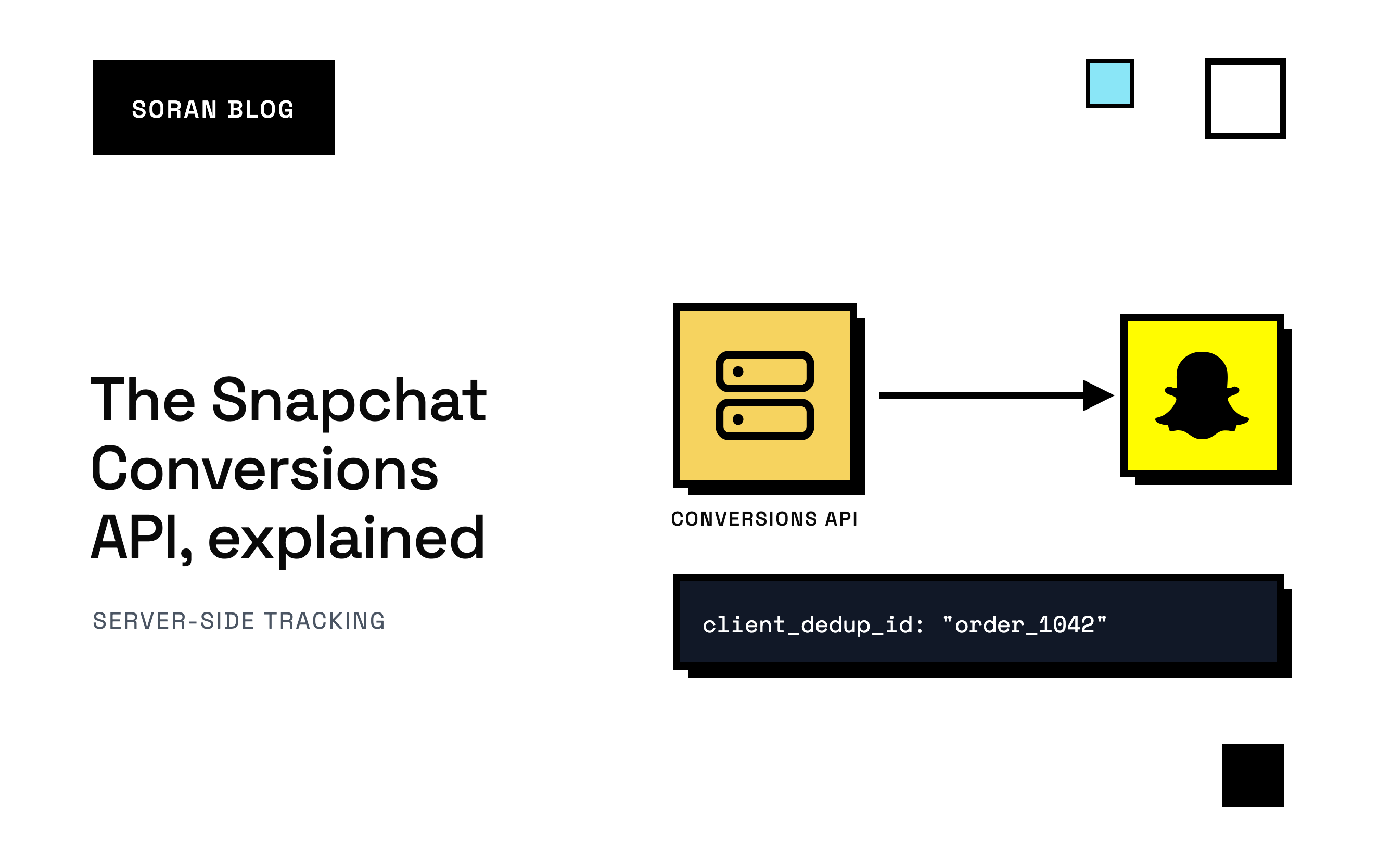
Your Snapchat ads are getting swipes, your store is getting orders, and Snapchat Ads Manager is reporting a fraction of the purchases you know happened. So Snapchat's bidding thinks your ads barely work, aims at the wrong people, and your cost per sale drifts up. The Snapchat Conversions API is Snap's fix for exactly this.
Usually the ads aren't the problem. The tracking is. The Snap Pixel runs in the shopper's browser, and browsers lose a lot of events these days. The Conversions API lets you send the same events from your server, where browsers can't get in the way.
This guide covers what the Snapchat Conversions API is, how it works next to the pixel, the ways to set it up, and the few details that decide whether it actually helps your campaigns.
Why the Snap Pixel alone misses sales
The Snap Pixel is a small piece of code on your website. When someone views a product, adds to cart or buys, it sends a message to Snapchat. Each message is an event.
The pixel depends on the shopper's browser cooperating, and it often doesn't:
- Ad blockers stop the pixel from loading at all.
- Browser privacy features shorten how long cookies last. A cookie is a small note a website leaves in your browser so it can recognize you later. The Snap Pixel uses one, called
_scid, to recognize a visitor. When it's gone, Snapchat can't connect a purchase to an ad seen a few days earlier. - Shoppers leave early. If someone pays and closes the tab before the thank-you page loads, the pixel never sends the purchase.
Picture Maya. She swipes up on your ad between Stories on Saturday, looks around, and leaves. On Tuesday she types your store's name into Safari , buys, and closes the tab the second the payment goes through. The pixel may never report that sale. And even if it does, Snapchat may not know it was the same Maya who swiped on Saturday.
Snapchat traffic makes this harder. Almost all of it is on phones, much of it opens in the Snapchat app's own browser, and visits are short: exactly the conditions where browser tracking struggles.
What is the Snapchat Conversions API?
The Snapchat Conversions API (often shortened to Snap CAPI) is a way to send events to Snapchat from a server instead of from the shopper's browser. A server is a computer that runs your store's systems behind the scenes. Because it isn't on the shopper's phone, ad blockers and browser settings can't stop it.
In practice, when an order is placed, your system sends Snapchat a message like: "Purchase, order 1042, $68, USD, at 3:14pm, from this page, and here are some clues about who bought." Snapchat receives it alongside the events your pixel sends.
The current version is v3. Web events go to your Pixel ID (the code that identifies your Snap Pixel) and are authorized with an access token, a long password you create in Snapchat's Business Manager that lets your server send data to that pixel. If you're reading an older guide that talks about v2, the field names have changed, so check Snap's current documentation before copying anything.
Server events need clues the browser gives for free
There's a catch. When the pixel sends an event, the browser automatically attaches useful information: the _scid cookie, the shopper's IP address (roughly, the internet address of their connection) and their user agent (a short description of their device and browser).
A server has none of that unless you hand it over. Send a purchase from your server with nothing attached, and Snapchat gets a sale it can't tie to anyone. Snap actually requires at least one way to identify the person on every event: a hashed email, a hashed phone number, or the IP address and user agent together.
That's why the usual advice is to run the pixel and the Conversions API together. The pixel brings the browser's clues, the server brings reliability, and Snapchat keeps one copy of each event.
The ways to set up the Snapchat Conversions API
1. Snapchat's Shopify app
Snapchat has a free Shopify app that installs the Snap Pixel in one click and syncs your product catalog for dynamic ads. It's the quickest start for a Shopify store.
The trade-off: you can see and change very little of what's sent, and whether the app also sends server events depends on its current version and your settings. Check the app's settings and Snapchat's Events Manager rather than assuming the server side is covered. It also only covers Snapchat, so every other ad platform needs its own setup.
2. A partner or tag manager integration
Many tools have a built-in Snapchat connection you switch on. Another common route is server-side Google Tag Manager : your store sends events to a tracking server you rent and run, and that server forwards them to Snapchat.
Good for: teams with a developer who wants control over every field.
The trade-off: you pay for hosting and you own the maintenance. Someone has to wire up deduplication and the customer clues below, and fix it when your checkout changes.
3. A direct integration with the API
Your developer writes code that sends events straight to Snapchat. You create an access token in Business Manager and post events to your pixel's endpoint.
Good for: custom stores or teams with engineering time to spare.
The trade-off: everything is on you, including the details most setups get wrong.
4. A server-side tracking platform
These tools capture events on your store, keep a copy in your own analytics, and forward them to the ad platforms with the hard parts handled. We compare the main options in top server-side tracking tools . Check that Snapchat is actually supported before you buy: plenty of tools cover Meta and TikTok first and Snapchat later.
Whichever route you pick, the same few details decide whether it works.
Detail #1: counting each sale once
If the pixel and your server both report a purchase, Snapchat gets two messages about one sale. It needs to know they're the same, or it counts the sale twice. Recognizing and dropping the duplicate is called deduplication.
Snapchat matches the two copies on a shared ID:
- On the server event, the ID goes in
event_id. - On the pixel event, the same value goes in
client_dedup_idfor most events. For purchases, Snap's documentation maps it totransaction_id, the field the pixel uses for the order number.
When both copies carry the same ID for the same pixel, Snapchat treats them as one conversion. Snap's documentation says it deduplicates on the event ID and the timestamp within a 48-hour window, so send the real time of the purchase on both sides, not the time your server got around to sending it.
What should the ID be? For purchases, use your order ID. The browser and the server both know it, it never changes, and every order has its own. Don't let each side make up its own random value. If you don't set client_dedup_id yourself, the pixel generates one on its own, and your server has no way of knowing what it was.
A sneaky version of this bug: a template that never filled in. If your tag sends the literal text {{order.order_number}}, undefined or null as the ID, every purchase shares the same fake ID, and Snap may not honor it for deduplication. Look at a few real events and make sure the ID is an actual order number.
What goes wrong when you skip this: your purchase count roughly doubles, your ROAS (return on ad spend: revenue from ads divided by spend) looks fantastic, and Snapchat's bidding learns from a store that doesn't exist.
Detail #2: helping Snapchat recognize who bought
Getting the purchase to Snapchat is half the job. The other half is helping it work out who bought, so it can link the sale to the ad they saw. These are the clues that matter:
- Email and phone (
em,ph): how the customer contacted you, scrambled before sending. - IP address and user agent: the shopper's connection and device. They must be the shopper's, not your server's.
- Click ID (
sc_click_id): when someone swipes up on your ad, Snapchat addsScCid=to the link. That value ties the sale to the exact click. Snap strongly recommends sending it. - Cookie ID (
sc_cookie1): the value of the_scidcookie the pixel sets. Also strongly recommended.
Hashing turns "maya@example.com" into a long scrambled string that can't be turned back into the email. Snapchat does the same to the emails it has and compares the scrambled versions. Before hashing, tidy the value up: lowercase emails with no spaces, phone numbers with the country code and digits only. Otherwise the same customer produces a different scrambled value each time, and nothing matches.
Mistake 1: sending your server's IP address
If the server sends the purchase and you don't pass along the shopper's IP address and device, Snapchat sees your server's details on every order. Thousands of purchases all appear to come from one computer in a data center. Record the shopper's IP address and user agent while they're on your site, and send those with the order.
Mistake 2: losing the click ID
ScCid arrives on the landing page link. If your site doesn't save it right then, it's gone by the time the shopper checks out, especially after a few pages of browsing. Store it when the visitor arrives and carry it through to the order. Snap also accepts the full landing page address in event_source_url and can pull the click ID out of it, but only if that address still has the parameter on it.
Mistake 3: attaching the wrong click
The opposite mistake is just as bad. If you save a customer's last Snapchat click on their profile and attach it to every future order, you'll give Snapchat wrong information. Maya swiped on an ad two months ago and bought today after an email. Attaching that old click tells Snapchat an ad earned a sale it had nothing to do with.
A click belongs to the visit and checkout where it happened. If you don't know which click led to an order, send the order without one. A missing click costs a little matching. A wrong one teaches Snapchat to reward the wrong ad.
Detail #3: sending the right details on each event
For purchases, Snapchat needs more than the event name:
- Value and currency: Snap requires both on a purchase. Without them it can't report revenue or ROAS.
- Event time: when the purchase happened.
- Event source URL: the page the event happened on.
- Action source: for a website, this says the event came from the web.
- Product IDs: if you run catalog ads, the IDs must match your Snapchat catalog.
Your Snapchat Conversions API checklist
- Decide how you'll send server events: Snapchat's app, a partner or tag manager, your own code, or a tracking platform.
- Report purchases from the store itself. Shopify can notify your server the moment an order is created . This notification is called a webhook, and it arrives even if the shopper never sees the thank-you page.
- Use your order ID as the dedup ID on both copies:
event_idon the server, and the matching pixel field in the browser. - Capture the shopper's clues on your site:
ScCidfrom the landing page link, the_scidcookie, IP address and user agent. Pass them along with the order. - Normalize and hash email and phone before sending.
- Send value, currency and an accurate event time on every purchase.
- Check Events Manager after launch. Snap's Events Manager has diagnostics for your events, including deduplication. After a fix, Snap says to allow up to 24 hours for the change to show.
- Compare against your real orders. A week of Snapchat purchases next to your actual orders from Snapchat traffic tells you a lot. Roughly double means your dedup IDs don't match.
How Soran handles it
Soran records purchases on the server, so ad blockers, tracking prevention and closed tabs don't lose them. Its destinations send those conversions back to ad platforms with duplicates removed, and you can view and edit the fields that are sent. Each platform is connected once.
To be straight about Snapchat: forwarding to Meta and TikTok is live today, and Snapchat's Conversions API is coming soon, along with Snapchat ad spend import. Until then, Snapchat's own app or a partner integration is the way to get server events to Snap.
What Soran does today for a store running Snapchat ads: your Snapchat visits still land in your own analytics, each order's credit is split once across the visits that led to it, and a channel that shows revenue with no connected spend is flagged as a probable unconnected ad account instead of being shown with a flattering ROAS. That gives you a second, independent view to check Snapchat's reporting against. The same ideas on other platforms are covered in our guides to the TikTok Events API and the Meta Conversions API on Shopify , and the bigger picture is in server-side tracking for Shopify .
Frequently asked questions
Do I still need the Snap Pixel if I use the Conversions API?
Running both is the usual recommendation. The pixel sees what only the browser knows, like the _scid cookie and what the shopper did on the page. The Conversions API catches the events the browser drops. Deduplication makes sure each sale counts once.
Is the Snapchat Conversions API free?
Snapchat doesn't charge for it. What you pay for, if anything, is whatever sends the events: Snapchat's Shopify app is free, server-side tag managers have hosting costs, and tracking platforms charge a subscription.
How long is Snapchat's deduplication window?
Snap's documentation describes deduplication on the event ID and timestamp within a 48-hour window for browser and server copies of the same web event. Send the same ID and the real event time on both.
Why is Snapchat counting my purchases twice?
Almost always because the browser and server copies don't share an ID, because the pixel generated its own ID, or because two separate setups (say, theme code and an app) both send the purchase. Use the order ID on both copies and remove any duplicate installation.
Does the Conversions API get around privacy settings?
No, and it shouldn't. It recovers events the browser loses for technical reasons, like a thank-you page that never loaded. If a shopper has declined tracking, respect that choice on the server too.
Want every sale recorded on the server and sent back to your ad platforms, counted once? Book a demo and we'll walk through your setup.