
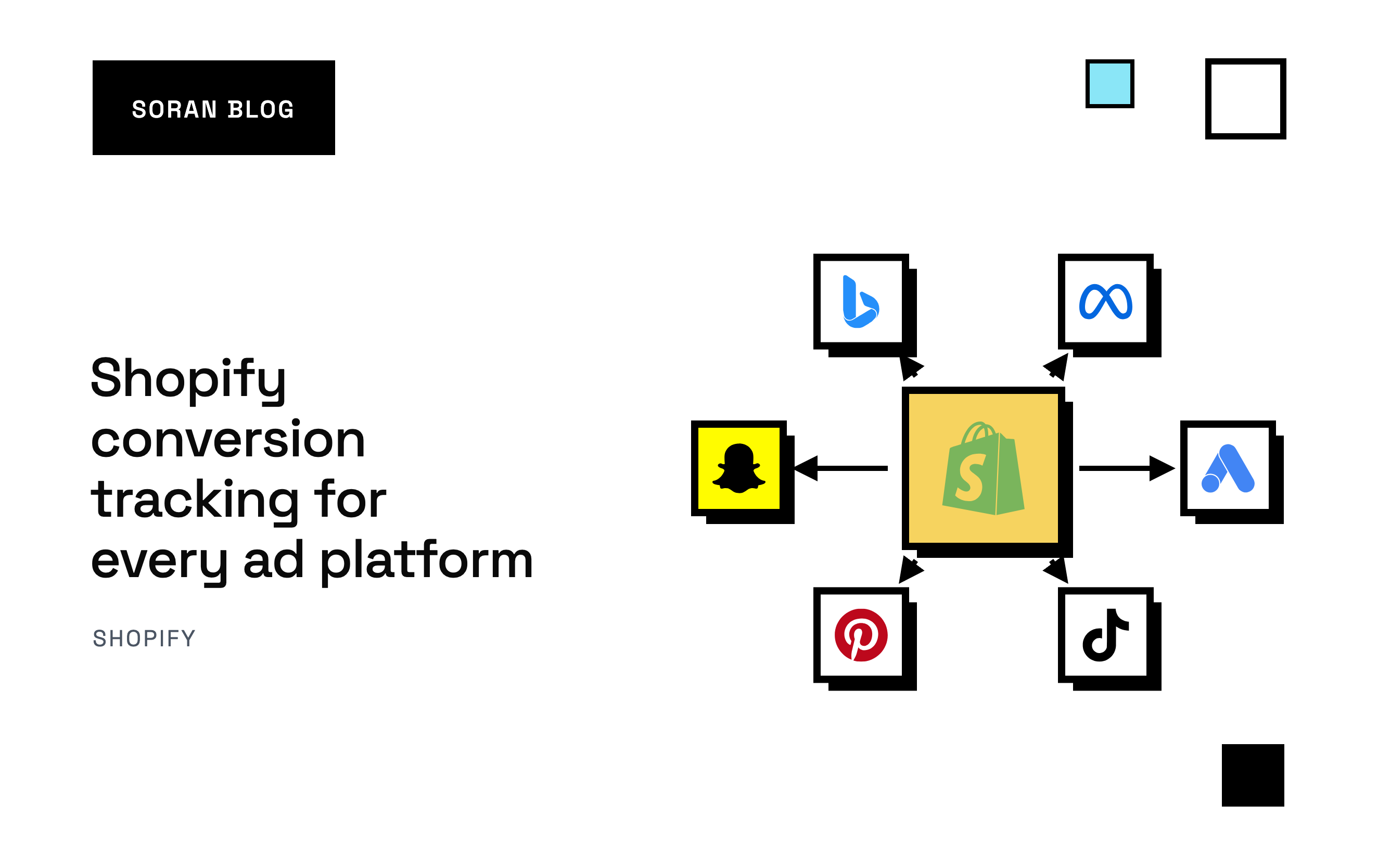
You run ads on Meta, Google and TikTok. Each one wants its own Shopify conversion tracking setup and its own app, and each has its own idea of how many sales it drove. Add them up and your ads apparently made 250 sales last month. Your store had 160 orders.
Conversion tracking is how each ad platform finds out that someone bought. Get it right and the platforms learn who your buyers are and show your ads to more people like them. Get it wrong and they either miss sales, which starves their optimization, or count them twice, which makes your results look better than they are.
This guide walks through how tracking works on each major platform, the rules that apply to all of them, and how to keep a clear view of what really happened when every platform claims credit.
What a conversion is, and why platforms need it
A conversion is an action you care about, usually a purchase. Conversion tracking is the process of telling an ad platform "this person, who saw or clicked your ad, just bought something worth this much."
The platforms use that information in two ways:
- Reporting. It's how Ads Manager or Google Ads shows you purchases and ROAS (return on ad spend: revenue from ads divided by what you spent).
- Optimization. The platform's algorithm studies who bought and looks for more people like them. Every sale it misses is a buyer it never learns from.
That second part is why tracking matters even if you don't trust the platforms' reports. Your campaigns can only be as smart as the sales they're told about.
The two ways a platform hears about a sale
Every ad platform offers some mix of these two:
The pixel (browser-side)
A pixel (Google calls it a tag) is a small piece of code that runs in your shopper's browser. When they buy, it sends a message to the platform. It's easy to install and it automatically includes useful clues about the shopper, like the platform's cookies (small notes a website stores in the browser to recognize someone later).
The weakness is that the browser is unreliable. Ad blockers stop pixels from loading, browser privacy features cut cookie lifetimes short, and shoppers who close the tab before the confirmation page loads never trigger the purchase message.
The server-side API
Most platforms now also accept conversions sent from a server: a computer running your store's systems behind the scenes, not on the shopper's device. Ad blockers can't touch it. Meta calls its version the Conversions API, TikTok calls it the Events API, and Google offers enhanced conversions and offline conversion imports.
The weakness is the opposite of the pixel's. A server doesn't automatically know the shopper's cookies, device or internet address. You have to collect those while the shopper is on your site and pass them along, or the platform gets a sale it can't connect to anyone.
Most platforms recommend running both, then removing the duplicates. That's the approach this guide assumes. For the full background, see server-side tracking for Shopify .
Shopify conversion tracking, platform by platform
Most major ad platforms have an official Shopify app that installs their pixel and, increasingly, sends server-side events too. Here's how each one typically works.
Meta (Facebook and Instagram)
Shopify's Facebook & Instagram app installs the Meta pixel and has a data-sharing setting. At the Enhanced and Maximum levels, it also sends purchases through Meta's Conversions API. Meta matches the two copies of each purchase using an event ID, a reference number attached to each message.
Meta grades how well it can recognize your buyers with a score called Event Match Quality. Hashed email and phone, the shopper's real IP address and the Meta click ID all raise it. We cover the details, and the mistakes that quietly ruin it, in how to set up the Meta Conversions API on Shopify .
Google Ads
Shopify's Google & YouTube app can set up Google Ads conversion tracking when you link your Google Ads account. Google matches a sale to an ad click using the gclid, a click ID Google adds to your link when someone clicks an ad.
Google also offers [enhanced conversions](https://support.google.com/google-ads/answer/9888656), which send hashed customer details like email along with the conversion, so Google can match sales it would otherwise miss. If you also run Google Analytics 4, decide whether Google Ads should count purchases from its own tag or from GA4, and don't count them from both.
TikTok
TikTok's Shopify app installs the TikTok pixel and can also send events through TikTok's Events API, its server-side option. Like Meta, it uses an event ID to merge the browser and server copies of a purchase. TikTok's click ID is called ttclid.
Pinterest's Shopify app installs the Pinterest tag and can send conversions through Pinterest's own conversions API . The same principles apply: matching event IDs on both copies, and hashed customer details where you have them.
Snapchat
Snapchat has its own pixel and a Conversions API , and a Shopify app that sets them up. Again: send the purchase from both sides, and give both the same event ID.
Microsoft Advertising (Bing)
Microsoft's tag is called [UET](https://learn.microsoft.com/en-us/advertising/msa-help/hlp_ba_proc_uet_webplatform) (Universal Event Tracking). You can add it to Shopify through a custom pixel or Microsoft's own Shopify integration. Its click ID is msclkid. Microsoft can also import Google Ads campaigns, but conversion tracking still needs its own tag.
Platforms without a Shopify app
For anything else, Shopify's [Customer events](https://help.shopify.com/en/manual/promoting-marketing/pixels) section (under Settings) lets you add a custom pixel: tracking code Shopify runs in a sealed-off part of the page, including on checkout and the thank-you page. The old method of pasting code into the thank-you page's "Additional scripts" box has been retired as Shopify moved stores to its newer checkout, so any tracking that lived there needs to move to an app or a custom pixel.
The rules every setup shares
The platforms use different names, but the same five rules decide whether tracking works.
1. Track the purchase from Shopify, not just the thank-you page
The most reliable record of a sale is the order Shopify creates. Shopify can notify your server the instant an order is placed, using a webhook (an automatic message from one system to another). That arrives even if the shopper's browser never loads the confirmation page. A browser-only setup will always miss some purchases.
2. Use the Shopify order ID as the event ID
When a platform receives a purchase from both the pixel and the server, it needs a way to know they're the same sale. The answer is to give both copies the same event ID. The Shopify order ID is the best choice: both sides know it, it never changes, and every order has its own. Random IDs generated separately on each side will never match, and every sale gets counted twice.
3. Keep the click ID with the visit it came from
Each platform adds a click ID to your link when someone clicks an ad (fbclid for Meta, gclid for Google, ttclid for TikTok, msclkid for Microsoft). Saving it and sending it with the purchase is the strongest way to tie a sale to an ad.
But a click belongs to the specific visit and checkout where it happened. If you store "the latest click" on a customer's profile and attach it to whatever they buy next, you'll eventually credit a purchase to an ad from weeks ago that had nothing to do with it. A missing click ID costs a little matching. A wrong one teaches the platform to reward the wrong ad.
4. Send the shopper's details, not your server's
Server-side events need the shopper's IP address and device information, captured while they were on your site. If you send your server's address instead, every purchase looks like it came from the same machine in a data center, and the platform can't use it to recognize anyone.
5. Hash personal details the same way everywhere
Hashing turns an email like " sarah@example.com " into a scrambled string that can't be turned back. The platform hashes the emails it has on file and looks for matches. Clean the data first (lowercase emails, remove spaces, write phone numbers in full international format like +14155550123) so the same person always produces the same hash.
Why every platform claims the same sale
Here's Sarah's path to buying from you:
- Monday: she clicks a TikTok ad on her phone and browses.
- Wednesday: she sees a Meta ad and clicks through.
- Friday: she searches your brand on Google, clicks a Google ad and buys.
TikTok, Meta and Google each saw an ad interaction before the purchase, and each one will report the sale as theirs. One order, three conversions. That's not a tracking error: each platform is answering "did my ad play a part?" and the honest answer is yes for all three.
It becomes a problem when you add the platforms' numbers together to judge your total return. Say you spent money on all three and each reported its own ROAS. Those ROAS figures share the same revenue, so your blended return is lower than any of them suggest.
The fix isn't to make the platforms agree. They won't. It's to keep one view that starts from your actual orders and divides each sale's credit across the touches that led to it, so the totals add up to what your store really took. That's what multi-touch attribution does, and we explain how in what is multi-touch attribution . If you've been judging everything by the final click, the pros and cons of last-click attribution is worth a read too.
Common mistakes
- Installing the same pixel twice. A platform's Shopify app plus a leftover tag in your theme sends every purchase twice. Your reported ROAS suddenly jumps, and it's wrong.
- Different event names on each side.
Purchaseandpurchasecount as different events on Meta. Use exactly the name each platform expects. - Server events with no shopper details. The platform receives sales but can't connect them to anyone, so they barely help optimization.
- Turning the pixel off "to avoid duplicates." Without both copies, you lose either the browser's clues or the server's reliability. Fix the event ID instead.
- Using platform reports as your profit report. They overlap, they use their own attribution windows, and none of them knows your product costs or shipping.
Your setup checklist
- List every ad platform you spend money on.
- Install each platform's official Shopify app, or a custom pixel in Customer events where there's no app.
- Turn on the server-side option for each platform that offers one.
- Make sure purchases are sent from Shopify's order record, not only the thank-you page.
- Use the Shopify order ID as the event ID on both browser and server copies.
- Capture click IDs, IP address and device while the shopper is on your site, and keep them with that visit's checkout.
- Clean and hash email and phone before sending.
- Remove old tags from your theme so nothing is installed twice.
- Send test events in each platform's tools before going live, then watch the first week.
- Keep one attribution view based on your real orders to judge spend across platforms.
How Soran handles it
Soran records purchases on the server, so ad blockers, tracking prevention and closed tabs don't lose them. Its Destinations feature sends those conversions back to Meta and TikTok, with duplicate removal, and you can view and edit the fields being sent. Each platform is connected once. Conversions can also go to Taboola, for orders from visitors who arrived through a Taboola ad, and to any HTTPS endpoint by webhook.
On the reporting side, Soran splits each order's credit once across the visits that led to it, so channel, campaign, ad set and ad totals add up to your real sales instead of every platform's claims stacked together.
Google Ads, Pinterest, Snapchat and Microsoft aren't connected yet, so their tracking still runs through their own apps or tags.
Frequently asked questions
Do I need a separate setup for each ad platform?
Usually, yes. Each platform has its own pixel, its own server-side API and its own way of matching sales. Shopify's official apps make each one easier, and some tracking tools send to several platforms from a single setup.
Why do my ad platforms report more sales than Shopify?
Because each one counts any sale its ads touched. A customer who clicked a TikTok ad, a Meta ad and a Google ad before buying is one order in Shopify and three conversions across the platforms. A duplicated pixel can also make a single platform count the same sale twice.
Is server-side tracking required for Shopify conversion tracking?
It isn't required, but a pixel-only setup misses purchases that ad blockers, privacy settings and closed tabs prevent from reaching the platform. Running the server-side option alongside the pixel recovers many of those sales.
What's the best event ID to use for purchases?
The Shopify order ID. The browser and the server both know it, it's unique, and it never changes, so the platform can reliably recognize the two copies as one sale.
Does conversion tracking get around consent rules?
No. If a shopper declines tracking, that choice applies to server-side events as well as the pixel. Server-side tracking helps you keep sales the browser would lose for technical reasons, not ones a shopper has opted out of.
Want one honest view of what each ad platform actually earned? Book a demo and we'll walk through your setup.