
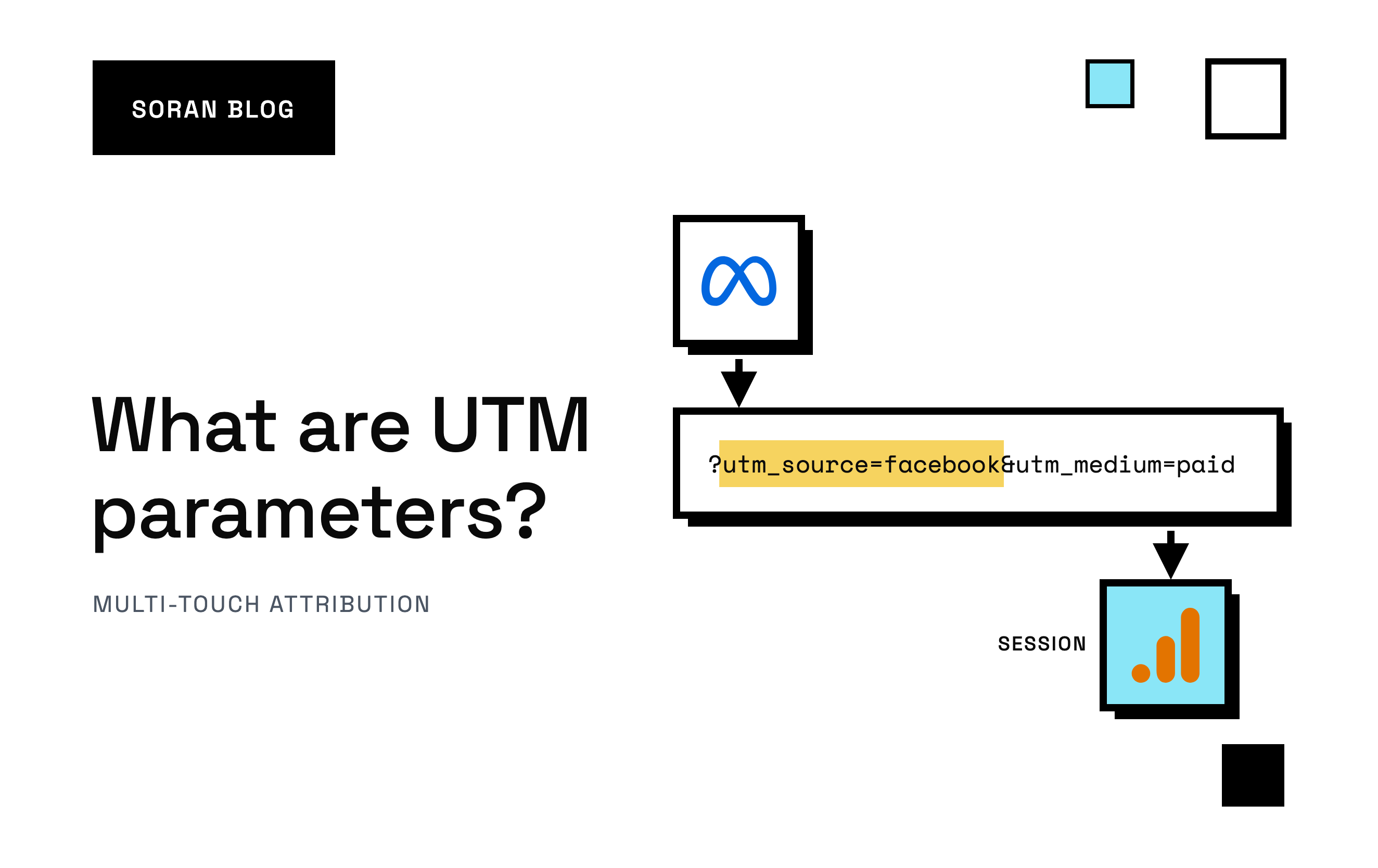
You sent an email on Tuesday, posted on Instagram on Wednesday and ran a new Meta ad all week. Sales went up. Now someone asks which of those three did it, and you open your analytics to find a big chunk of visits labeled "direct" or "referral" with no clue where they really came from. That's the gap UTM parameters fill.
UTM parameters are small labels you stick on the end of a link so that, when someone clicks it, your analytics knows exactly which campaign sent them. They're free, they work with almost every analytics tool, and they take about a minute to add.
But tagging links is only the first half of UTM tracking, the practice of labeling the links that point to your store and using those labels to see which campaigns bring visitors and sales. The second half is everything that happens after the click: how the tags get read, how long they're remembered, how they're tied to a sale, and the places that chain quietly breaks.
This guide covers both: what UTM parameters are, what each one means, how to build a tagged link, how UTM tracking works from click to sale, and the mistakes that make the data useless.
What are UTM parameters, in plain words?
A URL is a web address, like https://yourstore.com/products/blue-mug. Anything after a question mark in a URL is extra information for the page, written as name=value pairs joined by &. Those pairs are called query parameters.
UTM parameters are a standard set of query parameters that all start with utm_. Here's a tagged link:
https://yourstore.com/products/blue-mug?utm_source=newsletter&utm_medium=email&utm_campaign=spring_saleThe page loads exactly the same as it would without the tags. The shopper sees the blue mug. But your analytics tool reads the tags and records: this visit came from the newsletter, through email, as part of the spring sale.
UTM stands for "Urchin Tracking Module." Urchin was an analytics company Google bought in 2005, and its product became Google Analytics. The name stuck, and today nearly every analytics and attribution tool reads UTM tags, not just Google's.
Why your store needs them
Without tags, your analytics has to guess where a visit came from. It mostly relies on the referrer, which is the address of the page the visitor was on before they clicked. That guess breaks all the time:
- Email clicks often arrive with no referrer at all, because the click came from an email app, not a web page. They show up as "direct," as if the person typed your address.
- Clicks from inside apps (Instagram, TikTok, messaging apps) frequently lose the referrer or report it vaguely.
- Paid and free traffic look the same. A click on your Instagram ad and a click on your Instagram bio link both look like "Instagram." You can't tell what you paid for.
- Two campaigns on the same platform blur together. Even when the referrer survives, it says "facebook.com," not "the retargeting ad with the red mug."
UTM tags replace the guess with a label you wrote yourself. That's the whole value: you decide what each visit is called, and the reports group them the way you think about your marketing.
The five UTM parameters, one by one
There are five classic UTM parameters. The first three are the ones that matter most; the last two are optional extras.
| Parameter | What it answers | Example values |
|---|---|---|
|
| Who sent the visitor? |
|
|
| What kind of channel was it? |
|
|
| Which campaign or promotion? |
|
|
| Which version of the ad or link? |
|
|
| Which keyword? (mostly for search ads) |
|
utm_source: the specific place
Source is the specific site, platform or list the click came from. Think of it as the name on the envelope: facebook, tiktok, google, klaviyo, newsletter, partner_blog.
utm_medium: the type of channel
Medium is the broad category the source belongs to: paid social, email, cost-per-click search, affiliate, organic social. Source and medium work as a pair. facebook / paid_social is your ads; facebook / social is your free posts.
Medium matters more than people expect, because analytics tools use it to sort traffic into channel groups . In Google Analytics 4 (GA4, the current version of Google Analytics), a visit from a social site tagged with medium cpc or one starting with paid lands in "Paid Social." Tag the same ad with an improvised medium like fb-ads and GA4 files it under "Organic Social," so your paid clicks look free. If your medium values are inconsistent, your channel report is wrong even when every link is tagged.
utm_campaign: the promotion
Campaign names the marketing effort: spring_sale, black_friday_2026, bundle_launch. It lets you add up everything a promotion did across every channel. An email, three ads and an influencer post can all share utm_campaign=spring_sale while keeping different sources and mediums.
utm_content: the version
Content tells apart links that share the same source, medium and campaign. Common uses:
- Two ad creatives in the same campaign:
ugc_videoversusproduct_photo. - Two links in the same email:
hero_imageversusfooter_text_link.
This is the parameter that turns "the email worked" into "the big image at the top did the work and nobody clicked the footer."
utm_term: the keyword
Term was designed for paid search, to record the keyword someone searched before clicking your ad. Today Google Ads tracks keywords itself, so many stores use utm_term for something else, like the audience or the ad set name. (An ad set is the group of ads inside a campaign that shares one audience and budget.) That's fine as long as you're consistent.
The newer extras
GA4 also reads a few newer UTM parameters, such as utm_id (a campaign ID, useful if you import cost data into GA4) and utm_source_platform. Most stores never need them. Get the five basics right first.
How to build a UTM link, step by step
You don't need a tool, but one helps you avoid typos. Google offers a free Campaign URL Builder , and many email and ad tools add tags for you.
Here's the process by hand:
- Start with the landing page. Copy the exact page you want people to land on, like
https://yourstore.com/collections/mugs. - Add a question mark, then your first tag:
?utm_source=instagram. - Add each extra tag with an ampersand:
&utm_medium=paid_social&utm_campaign=spring_sale&utm_content=mug_reel. - Click the finished link yourself and check that the page loads and the tags are still in the address bar.
If the page address already has a question mark in it (for example, ?variant=123), don't add a second one. Join your UTM tags with & instead: ?variant=123&utm_source=instagram.
A worked example
Say you're running a spring sale for a store that sells mugs. You send one email, run two Meta ads and post once on Instagram. Your links might look like this:
| Where the link goes | source | medium | campaign | content |
|---|---|---|---|---|
| Email, top image | newsletter | | spring_sale | hero_image |
| Email, bottom button | newsletter | | spring_sale | footer_button |
| Meta ad, video | | paid_social | spring_sale | mug_reel |
| Meta ad, photo | | paid_social | spring_sale | product_photo |
| Instagram bio link (free) | | social | spring_sale | bio_link |
A week later, you can ask your analytics three different questions and get clean answers:
- How did the spring sale do overall? Filter by
campaign = spring_sale. - Did paid or free social send more buyers? Compare medium
paid_socialagainstsocial. - Which ad creative worked? Compare
content = mug_reelagainstproduct_photo.
All of that comes from five short labels per link.
Tagging ads automatically with dynamic parameters
Typing UTM tags into every ad gets tedious fast, and it's easy to make mistakes. Ad platforms help with dynamic parameters (sometimes called macros): placeholders the platform fills in with the real value when someone clicks.
In Meta Ads Manager, the URL parameters field accepts placeholders like {{campaign.name}}, {{adset.name}} and {{ad.name}}. You write:
utm_source=facebook&utm_medium=paid_social&utm_campaign={{campaign.name}}&utm_content={{ad.name}}and Meta swaps in the actual campaign and ad names on every click. TikTok has its own set of macros for the same job . Using them means every new ad is tagged correctly without anyone remembering to do it.
Google Ads works differently. It has auto-tagging, which adds its own click identifier (gclid) to your links instead of UTM tags. Many stores use both: auto-tagging for Google's own reporting, plus UTM tags so every other tool can read the campaign too.
How UTM tracking works, from click to sale
Let's follow one shopper, Maya, from an ad to an order.
- The click. Maya scrolls Instagram and taps your ad. Meta sends her to the link you set up, with the tags on the end. If you used dynamic parameters, the tag holds the real ad name.
- The page reads the tags. Your store page loads in Maya's browser. Your analytics code, a small script that runs on every page, looks at the web address, sees the
utm_tags and records them alongside the page view. This is the only moment the tags are visible. As soon as Maya clicks to another page on your site, the new address won't have them. - The tags get remembered. So the analytics tool stores an ID in her browser, usually in a cookie (a small note a website leaves in your browser so it can recognize you later). Every page she views after that carries the same ID, so the tool knows it's the same session: one continuous stretch of browsing, usually ending after about 30 minutes of inactivity. Now the whole session is linked to
facebook / paid_social / spring_sale / mug_reel, not just the first page. - The sale. Maya adds a mug to her cart and checks out. Your purchase tracking records the order with the same browser ID, and the analytics tool connects the dots: this order happened in a session that started from the
mug_reelad. - The report. The spring sale campaign now has one more order, and so does the
mug_reelcreative. Multiply that by every shopper and you can compare campaigns, channels and creatives on the sales they brought in.
That's the happy path. Most of the frustration with UTM tracking comes from the ways real shoppers stray from it, which we'll get to after the common tagging mistakes.
Where UTM data shows up
In Google Analytics 4
GA4 reads UTM tags automatically. You don't need to turn anything on. The main place to look is Reports > Acquisition > Traffic acquisition, which groups sessions by channel. Change the main column to "Session source / medium" or "Session campaign" to see your tags directly.
GA4 keeps UTM data at three different levels , and mixing them up is a common source of confusion:
- First user source, medium and campaign: how a person found you the very first time. This never changes for that user.
- Session source, medium and campaign: how each individual visit started.
- Source, medium and campaign (with no prefix): which campaign GA4 credits for a specific action, like a purchase, based on your GA4 attribution settings (the rules for which visit gets credit for a sale).
So the same order can be credited to an Instagram ad in one report and a Google search in another, and both are "correct" for the question each report answers.
In Shopify
Shopify's built-in analytics also picks up UTM tags. Its reports can group sessions and sales by referrer and campaign, and individual orders show a summary of how the customer arrived. It's useful for a quick look, but it applies its own rules about which visit gets the credit, so don't expect it to match GA4 exactly.
Not in your ad platforms
Meta and TikTok don't use your UTM tags for their own reporting. They track clicks and purchases through their own pixels and click IDs. That's why Ads Manager and your analytics can tell two different stories about the same campaign. UTM tracking gives you a view of your ads that you control, measured on your site with one consistent set of rules.
UTM tags vs click IDs vs pixels
These three get mixed up, so here's how they differ:
| Method | What it is | Who reads it |
|---|---|---|
| UTM tags | Labels you write into the link describing the campaign | Any analytics tool |
| Click IDs ( | A unique code the ad platform adds to the link for each click | Mainly the platform that set it |
| Pixels | Code on your site that reports visits and purchases back to the platform | The platform that owns the pixel |
They work together. Click IDs and pixels feed each ad platform's own reports. UTM tags feed your independent view.
The mistakes that break your UTM data
UTM tags are simple, so the problems are almost always human. These are the ones that cause the most damage.
Mixing upper and lower case
Most analytics tools treat Facebook and facebook as two different sources. GA4 does. So if one person on your team types Facebook and another types facebook, your Facebook traffic is split across two rows and neither looks right. Pick lowercase for everything and never deviate.
Inventing new names for the same thing
email, Email, e-mail and newsletter as mediums. fb, facebook and meta as sources. Every variation splits your data. Write down the exact values your team uses and stick to them.
Tagging links on your own site
Never put UTM tags on links from one page of your store to another, like a homepage banner pointing to a collection. When a visitor clicks it, your analytics thinks they just arrived from a new campaign and overwrites where they really came from. The Meta ad that actually brought them gets erased from the record. UTM tags are for links that point into your site from somewhere else.
Using spaces and odd characters
Spaces in a URL get turned into %20 or +, which makes reports ugly and sometimes breaks links in email tools. Use underscores or hyphens instead: spring_sale, not Spring Sale.
Forgetting the medium
A link tagged with a source and campaign but no medium leaves GA4 guessing the channel from the source name alone. A source like newsletter usually ends up in "Unassigned," and a source like facebook gets treated as free social even if you paid for the click. Always set at least source, medium and campaign.
Putting personal information in tags
Don't put email addresses, names or customer IDs into UTM values. URLs end up in analytics reports, server logs and browser history, and Google's policies prohibit sending personally identifiable information to Google Analytics. UTM tags describe campaigns, not people.
Why UTM tracking breaks even when every link is tagged
Clean tags are necessary, but they're not enough. Here are the ways the chain from click to sale quietly breaks, and what to do about each one.
The tags got stripped before the page loaded
Some redirects drop everything after the question mark. If your ad points to an old address that redirects to a new one, or goes through a link shortener or a "link in bio" page, the tags can disappear on the way.
Fix: point links straight at the final landing page, and click every tagged link yourself to check the tags are still in the address bar when the page finishes loading.
The shopper came back without a tagged link
Maya taps your ad on Monday but doesn't buy. On Thursday she types your store's address and orders. Thursday's session has no tags, so it shows up as "direct."
What happens next depends on the tool. Some reports credit the last visit, so "direct" gets the sale. Some skip direct visits and look back to the last tagged one. Some credit the very first visit. None of them is lying; they're answering different questions. The tags tell you about each visit. Deciding how to share credit for the sale across visits is a separate job called attribution, covered in our guide to multi-touch attribution .
Fix: know which rule each report uses before you compare numbers across tools. The pros and cons of last-click attribution explains the most common one and where it misleads.
The shopper switched devices
Maya taps your ad on her phone and buys on her laptop a week later. The laptop has a different browser and a different cookie, so to your analytics it's a brand new person who arrived "direct." The phone visit's tags are never connected to the sale.
Fix: you need some way of recognizing Maya on both devices, like a login or the email address she uses at checkout. Basic analytics setups usually can't do this, which is why phone-to-laptop journeys are one of the biggest blind spots in UTM tracking.
The cookie was deleted
Browser privacy features limit how long some cookies last. Safari, for example, shortens the life of certain cookies set by scripts. If Maya's cookie is gone by the time she returns, her earlier tagged visit can't be linked to her later purchase.
Fix: tracking that stores the visitor ID from your own server, rather than only from a script in the browser, can keep it longer, though browsers keep tightening these rules too.
The purchase was never recorded
UTM tags only say where a visitor came from. If the purchase itself isn't captured, the tagged session looks like it brought no sale. That happens when an ad blocker stops your analytics script, or when the shopper closes the tab before the confirmation page loads.
Fix: record purchases from the server as well as the browser, so an order counts even if the browser never reports it. Server-side tracking for Shopify explains why some purchases go missing and how that works.
You can see sales but not spend
Knowing that mug_reel sent 40 buyers is only half the picture. UTM tags don't know what anything cost. You need to know what mug_reel cost to know whether it was worth it.
Fix: match each campaign and ad's sales against its spend from the ad platform, using names that are the same in both places.
A quick UTM checklist
Before you launch your next campaign:
- Write down your naming rules and share the list of allowed values, so the whole team spells things the same way.
- Tag every external link you control: ads, emails, SMS, social posts, influencer and affiliate links.
- Always set source, medium and campaign. Add content when you have more than one version of a link.
- Use lowercase and underscores, with no spaces.
- Use dynamic parameters in ad platforms so every new ad is tagged automatically.
- Never tag internal links on your own site.
- Click every link before it goes live and confirm the tags survive the page load.
- Make sure purchases are tracked reliably, ideally from the server and not only the browser. Tags are useless if the sale never reaches your reports.
- Check your reports a day later for "Unassigned," duplicate sources with different spellings, and campaigns with visits but zero sales, which often point to stripped tags or missing purchase tracking.
- Decide how you'll credit sales across visits and use that rule consistently when you compare campaigns.
- Add the cost side, so you compare each campaign's sales with what it cost.
How Soran handles it
Soran uses tracking parameters added to your ad URLs to tie each order to the exact ad behind it, and matches it to the spend imported from your connected ad accounts. So instead of stopping at "this ad sent visitors," you see what each ad cost and what it earned.
Because Soran records purchases on the server, the sale itself isn't lost to ad blockers or closed tabs. And it keeps the whole path of visits before an order, joined into one customer across devices, so a sale can be credited across every tagged visit that led to it, using whichever of its ten attribution models you choose. The totals add up to what your store actually took, rather than every platform claiming the same sale. One caveat: visit paths start once tracking is installed, so older orders don't get attribution.
Frequently asked questions
Do UTM parameters affect SEO?
Not in a way you need to worry about. You shouldn't put UTM tags on links within your own site, and links you share elsewhere with tags still point to the same page. If tagged versions of a page get crawled, a canonical tag (a line in your page's code that names the main version of the page) tells search engines which address is the real one. Shopify themes include canonical tags by default.
Are UTM parameters case sensitive?
In most tools, yes. GA4 treats Email and email as different values. Use lowercase for every tag so you never have to merge rows later.
Do I need UTM tags on Google Ads if auto-tagging is on?
For Google's own reports, auto-tagging is enough. But tools outside Google can't read its click identifier, so adding UTM tags as well lets your other analytics and attribution tools see which campaign the visit came from.
Can UTM parameters track a sale?
Not by themselves. They label the visit. Your analytics or attribution tool connects that visit to a purchase, but only if it captured the purchase in the first place.
Is UTM tracking free?
Yes. UTM tags are just text in a link, and tools like GA4 read them at no cost. What can cost money is the tooling around it: reliable purchase tracking, joining visits across devices and matching campaigns to ad spend.
How long does UTM tracking remember a visitor?
As long as the analytics tool can recognize the browser, which usually depends on its cookie. Each tool has its own rules for how far back it will look when crediting a sale, and browser privacy features can shorten that.
Does UTM tracking work if someone uses an ad blocker?
The tags are still in the link, but an ad blocker may stop your analytics script from running, so the visit and the sale may never be recorded. Server-side tracking reduces that problem.
Why does GA4 show my UTM traffic as "Unassigned"?
Usually because the medium value is missing or doesn't match any of GA4's channel rules. Stick to standard mediums like email, cpc, paid_social and social.
Can UTM tags identify individual customers?
No, and they shouldn't. They describe the campaign, not the person. Never put names, emails or customer IDs in a UTM tag.
Do UTM tags work on links in Instagram bios and TikTok profiles?
Yes. Add them to the link you put in your bio like any other link. Use a different utm_content value from your paid ads so you can tell free and paid clicks apart.
Want UTM tracking that holds up from the click all the way to profit? Book a demo and we'll walk through your store's data.