
You're paying $40 to get a new customer through Meta, and their first order brings in $55. After product costs and shipping, you lost money on that sale. Whether that's a disaster or a good deal comes down to one number: customer lifetime value, and on Shopify you already have most of what you need to work it out.
That number depends on what happens next. If that customer comes back three more times over the next year, the $40 was a bargain. If they never return, you're paying to shrink.
This guide covers what customer lifetime value on Shopify actually means, where to find the data in your admin, how to calculate it yourself from an export, and the mistakes that make the number look far better than it is.
What customer lifetime value means, in plain words
Customer lifetime value (often shortened to CLV, CLTV or LTV) is the total value a customer brings your store over the whole time they buy from you. Not one order: all of them.
There are two versions, and mixing them up causes most of the confusion:
- Revenue lifetime value is everything a customer has paid you. Easy to find, but it ignores what those sales cost you.
- Profit lifetime value is what you kept from those orders after product costs, shipping, payment fees, discounts and refunds. Harder to find, but it's the one you can safely compare to ad spend.
There's also a difference between looking backward and looking forward:
- Historical CLV is what customers have actually spent so far.
- Predicted CLV is an estimate of what they'll spend in total, including orders that haven't happened yet.
If you want the general formulas in more depth, we cover them in how to calculate customer lifetime value . Here we'll focus on doing it with your Shopify data.
Why "amount spent" on a Shopify customer isn't CLV
Open any customer in your Shopify admin and you'll see how much they've spent and how many orders they've placed. It's tempting to treat that as their lifetime value. It isn't, for three reasons.
It's revenue, not profit. A customer who spent $300 on products with thin margins and free shipping may be worth less to you than one who spent $200 on your best-margin items.
It's unfinished. A customer who joined last month has had one month to buy. A customer from three years ago has had three years. Averaging those together tells you very little about either.
It depends on how customers are recognized. Shopify ties orders to a customer record, usually through their email. If the same person checks out with their work email once and their personal email the next time, they become two customers who each look like one-time buyers. Your repeat rate and CLV both drop, even though the person is loyal.
So "amount spent" is a useful starting point, but you need to slice it by when customers joined and subtract your costs before it means anything.
Where to find customer lifetime value data in Shopify
Shopify doesn't have a single report called "lifetime value," but several of its customer reports get you close. Look under Analytics, then Reports, in the customers category . Which reports you see can depend on your plan, so check what's available on yours.
Customer cohort analysis
This is the most useful one for CLV. A cohort is a group of customers who share a starting point, here the month (or week, or quarter) of their first order. The report shows how each group keeps buying over the following months.
You can switch the metric between number of customers, retention rate, gross or net sales, average order value and amount spent per customer, and view it as a heatmap grid or a retention curve. When you pick amount spent per customer, Shopify can also project how each cohort's spending is likely to grow, based on your store's past data. Shopify is clear that these projections aren't a guarantee.
Why this matters: it lets you compare customers who joined at the same time, so a new customer isn't averaged against a five-year veteran.
Returning customers and one-time customers
These two reports list customers with two or more orders, and customers with exactly one. They're handy for a quick sense of how many buyers come back, and for pulling lists of people to win back.
RFM customer analysis
[RFM](https://en.wikipedia.org/wiki/RFM_(market_research)) stands for recency, frequency and monetary value: how recently someone bought, how often, and how much. Shopify groups your customers into segments based on those three things. It's not a dollar CLV figure, but it shows you which customers behave like high-value ones and which are slipping away.
Predicted spend tier
Shopify also estimates each customer's spending potential as high, medium or low, based on how often they've bought, how much they spend per order compared to your average, how many orders they've placed and how recently. It's available as a filter in customer segments (for example, predicted_spend_tier = 'HIGH'), and Shopify says it needs a store with more than 100 orders. It's a ranking, not a dollar amount, but it's great for deciding who gets your VIP offers.
How to calculate CLV yourself from a Shopify export
The built-in reports are a good start, but they're revenue-based. To get a profit CLV you can compare to ad spend, you'll want to do it yourself. Here's a straightforward way.
Step 1: export your orders
From Orders, export all orders for the period you care about. You want at least the customer email, the order date, the order total, discounts, refunds and shipping charged. If you have product costs saved in Shopify, the products export gives you cost per item too.
Step 2: pick a time window
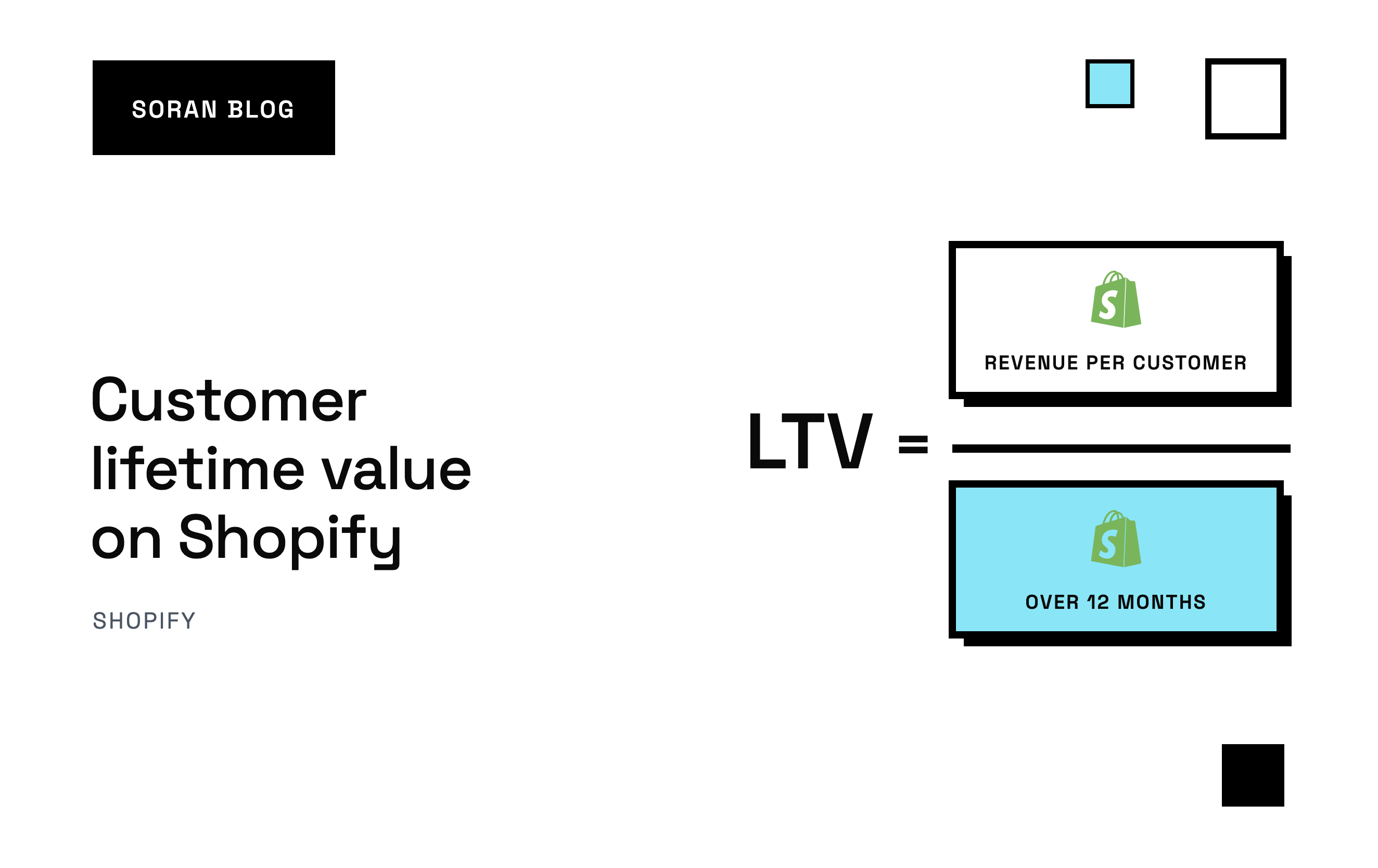
Don't try to measure "lifetime" literally. Pick a fixed window, like 12 months from a customer's first order. Only include customers whose first order was at least 12 months ago, so every customer has had the same amount of time to come back.
This one choice fixes the "unfinished customers" problem from earlier.
Step 3: work out revenue per customer in the window
For each customer, add up what they paid within 12 months of their first order, after discounts and refunds. Then average it across all customers in the group.
Step 4: turn revenue into profit
Subtract the costs that come with each order:
- Cost of goods sold, the cost of the products themselves
- Shipping you paid, minus any shipping the customer paid you
- Payment fees from your payment processor
- Refunds and returns, if you didn't already remove them
What's left is often called contribution margin: the money each order contributes after the costs that come with selling it, before fixed costs like rent and salaries.
A worked example
Let's use made-up numbers for a skincare store. Take everyone whose first order was in January of last year: 400 customers.
| Over 12 months | Per customer |
|---|---|
| Revenue after discounts and refunds | $142 |
| Cost of goods | $38 |
| Shipping paid by the store | $14 |
| Payment fees | $5 |
| 12-month profit CLV | $85 |
That $142 is what Shopify's reports would point you toward. The $85 is what you can actually spend against. If your cost to acquire a customer is $40, you get back a bit more than double over a year. If it's $90, every new customer loses money even after a full year of repeat orders.
Repeat the same calculation for other months. If January customers are worth $85 and July customers are worth $60, that's worth investigating: maybe July was heavy on discount buyers.
Comparing CLV to what you pay for customers
CLV on its own is just a number. It becomes useful next to customer acquisition cost (CAC): what you spend in marketing to get one new customer. Divide your ad spend in a period by the number of new customers in that period.
Two things to look at:
- The ratio. Profit CLV divided by CAC tells you how many dollars you get back for each dollar spent to acquire someone. There's no universal "right" ratio. It depends on your margins, cash flow and how fast you need the money back.
- The payback time. How many months until a customer's profit covers what you paid to get them? A store with tight cash may need payback within the first order. A store with strong repeat buying can afford to wait a few months.
That second question is where per-channel numbers matter. If customers you get from one channel return far more often than customers from another, a higher acquisition cost on the first channel might be fine.
The mistakes that make Shopify CLV look too good
Using revenue instead of profit
The single most common mistake. A revenue CLV of $142 compared to a $90 CAC looks healthy. A profit CLV of $85 against the same $90 means you're losing money on every customer. Always compare profit to cost.
Averaging old and new customers together
If you take total revenue divided by total customers across your whole history, recent customers drag the number down and long-time customers inflate it. Neither tells you what a customer you acquire today will be worth. Use cohorts with a fixed window.
Ignoring refunds and returns
In categories like apparel, returns can be a big share of orders. If your export counts the original order total and not the refund, your CLV is fiction.
Splitting one person into several customers
Different emails, guest checkouts with typos, or shopping on a phone and a laptop can all make one loyal customer look like several one-time buyers. That makes CLV look worse than it is, which can lead you to cut spending on channels that actually bring loyal people.
Treating every customer as average
Your average CLV hides a lot. Often a small group of customers drives a big share of repeat revenue. Segment by first product purchased, first discount used, or acquisition channel, and you'll usually find groups worth very different amounts.
Measuring too soon
If your store is six months old, you can't know your 12-month CLV yet. Use a shorter window (90 days is common for a first look) and be honest that it's an early read. Our guide to customer retention rate covers the shorter-term signals worth watching in the meantime.
A quick checklist
- Decide on profit CLV, not revenue, as the number you'll act on.
- Pick a fixed window, like 90 days or 12 months from first order.
- Group customers by first-order month so you compare like with like.
- Subtract product costs, shipping, fees, discounts and refunds.
- Calculate your acquisition cost for the same customers.
- Compare by channel and by first product, not just store-wide.
- Use Shopify's cohort report and predicted spend tier to sanity-check your numbers and pick who to target.
- Redo it every quarter. CLV shifts as your products, prices and channels change.
How Soran handles it
Soran doesn't produce a lifetime value or cohort report, but it covers the inputs that make your own CLV numbers trustworthy:
- One customer stays one customer. Orders, visits and touchpoints from different devices are joined into one person, and repeat revenue is shown apart from first purchases.
- Profit, not just revenue. Revenue steps down through discounts and refunds, cost of goods, shipping and transaction fees to contribution margin, per campaign and per product.
- Acquisition by channel and ad. Ad spend is matched to the exact ad behind each order, and each order's credit is split across the visits that led to it, so you can see what new customers really cost by channel.
- Your data, exportable. Reports export, and an API lets you pull your own data into a spreadsheet or model to calculate CLV your way.
Frequently asked questions
Does Shopify calculate customer lifetime value?
Not as a single dollar figure. Shopify shows each customer's total spent and order count, and its customer reports include cohort analysis (with a projection of amount spent per customer), RFM segments and a predicted spend tier . Together they get you most of the way, but they're based on revenue, not profit.
What's a good customer lifetime value for a Shopify store?
There's no universal number. A good CLV is one that comfortably exceeds what you pay to acquire a customer, measured on profit, and pays that cost back fast enough for your cash flow. A $60 CLV is great if customers cost $15 to acquire and poor if they cost $70.
How long should my lifetime value window be?
Long enough to capture most repeat buying for your products. For consumables that people reorder monthly, 6 to 12 months shows a lot. For things people buy once or twice a year, you may need 12 to 24 months. If your store is young, start with 90 days and extend it as your data grows.
How do I increase customer lifetime value on Shopify?
Get customers to their second order, since that's usually where most drop off. Follow-up emails timed to when a product runs out, subscriptions for consumables, bundles and a smooth reorder experience all help. Just as important is acquiring the right customers in the first place: channels and products that bring repeat buyers raise CLV more than any retention trick.
Why is my CLV lower than I expected?
Check whether the same people are being split across multiple customer records, whether refunds are being counted twice, and whether you're including very recent customers who haven't had time to come back yet.
Want to see what your customers are really worth after costs, by channel and campaign? Book a demo .