
Your monthly revenue is up 20%. Great news, right? Not necessarily. Maybe you're keeping more customers than ever. Or maybe you doubled your ad spend, brought in a flood of first-time buyers, and almost none of last quarter's customers came back. Both stories produce the same rising revenue chart, and only cohort analysis tells them apart.
A total can't do it, because it mixes everyone together: brand-new customers, two-year regulars and people who bought once and vanished. Cohort analysis pulls them apart, so you can see whether your store is building a base of loyal buyers or running on a treadmill.
This guide explains what cohort analysis is in plain words, how to read a retention cohort table, how to build one from your own order data in a spreadsheet, the mistakes that quietly make it wrong, and what to do with what you find.
What is cohort analysis?
A cohort is a group of customers who share a starting point. In ecommerce, that's usually the month of their first order. Everyone who first bought from you in January is the January cohort. Everyone who first bought in February is the February cohort.
Cohort analysis follows each group over time and compares them. Instead of asking "how much did we sell in June?", it asks "of the people who first bought in January, how many were still buying three months later? Six months later? And is that better or worse than the people who first bought in March?"
Here's why that matters. Say Tom first buys from you in January and Priya first buys in May. In June, Tom is a five-month customer and Priya is a one-month customer. Lumping them into the same June total hides the thing you most want to know: are customers sticking around longer than they used to? Cohorts line everyone up by their own age, so you compare month 1 to month 1 and month 6 to month 6.
What retention means in a cohort analysis
Retention is the share of a cohort that comes back and buys again. If 400 people first bought in January and 60 of them placed another order in March, March retention for that cohort is 60 ÷ 400 = 15%.
There are two flavors worth knowing:
- Customer retention counts people. Did this person place at least one order in that period, yes or no?
- Revenue retention counts money. How much did this cohort spend in that period, compared with what it spent in its first month?
Customer retention tells you whether people come back. Revenue retention tells you whether the ones who come back are worth it. You want both. If you'd like the simpler, single-number version of this idea, see what is customer retention rate .
What a retention cohort table looks like
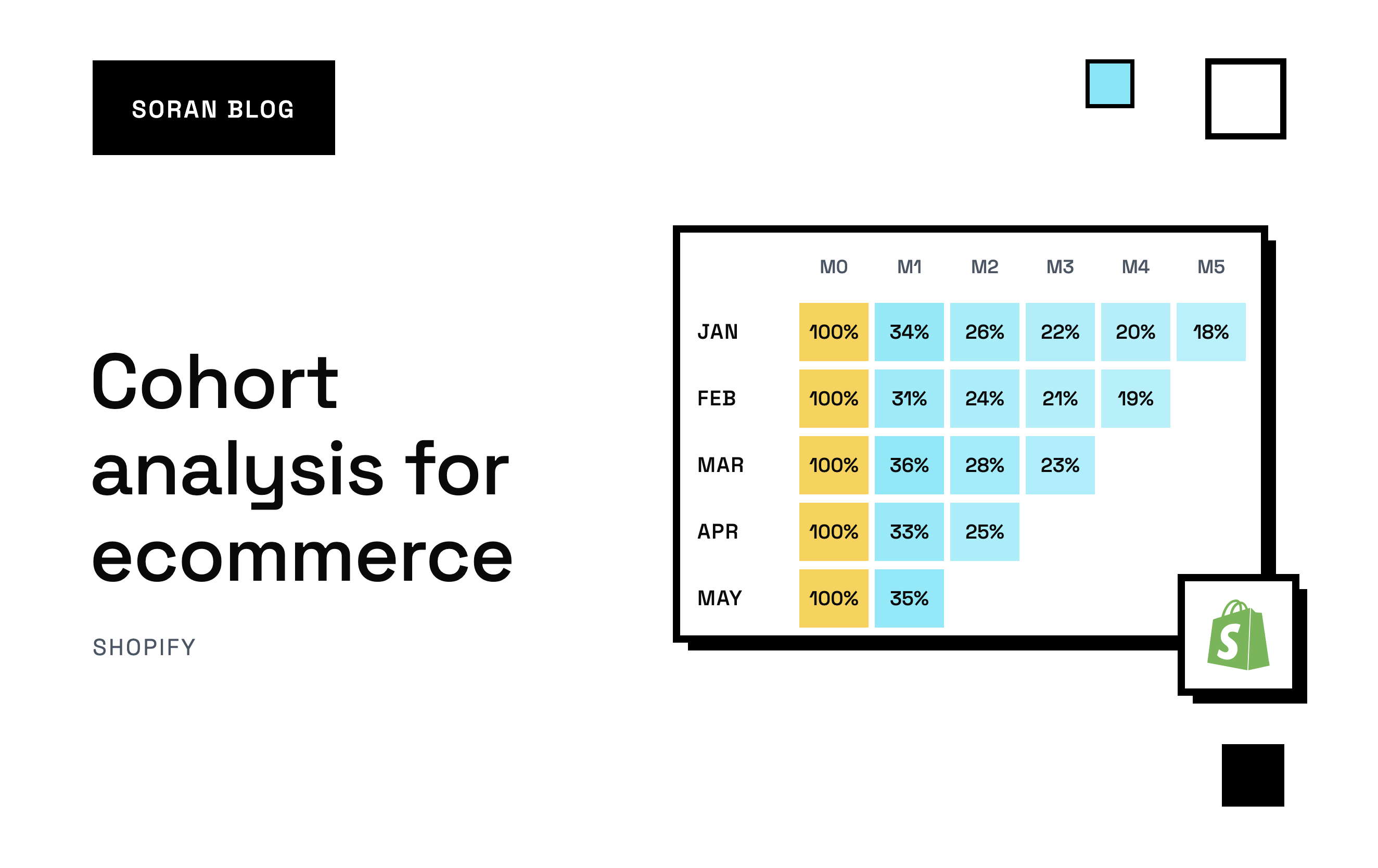
The standard way to show a retention cohort analysis is a staircase-shaped table. Each row is a cohort. Each column is how many months have passed since that cohort's first order. Each cell is the share of the cohort that placed an order in that month.
Here's an example with made-up numbers:
| First order | Customers | Month 0 | Month 1 | Month 2 | Month 3 | Month 4 | Month 5 |
|---|---|---|---|---|---|---|---|
| January | 420 | 100% | 14% | 11% | 9% | 8% | 8% |
| February | 380 | 100% | 15% | 12% | 10% | 9% | |
| March | 510 | 100% | 9% | 7% | 6% | ||
| April | 460 | 100% | 16% | 13% | |||
| May | 490 | 100% | 17% | ||||
| June | 530 | 100% |
Month 0 is always 100%, because every customer in a cohort bought in their first month by definition, so many tables leave it out. The empty cells in the bottom right aren't missing data. Those cohorts simply haven't been around long enough yet, which is why the table is shaped like a staircase.
How to read a cohort table
There are three directions to read in, and each answers a different question.
Across a row: how one group behaves over time
Read January left to right: 14% came back in month 1, then it slowly settles around 8%. That shape is typical. Most customers who will ever come back do so early, and the ones still buying after a few months tend to stay.
The point where the line flattens is good news. Those are your loyal customers, and their size tells you how much repeat business each new cohort eventually gives you. A row that keeps falling toward zero means nobody becomes a regular.
Down a column: are things getting better or worse?
Read the month 1 column top to bottom: 14%, 15%, 9%, 16%, 17%. Apart from March, each new cohort is coming back a bit more often than the one before. Something you changed (a follow-up email, a better product, a different ad audience) seems to be working.
This is the reading a total revenue chart can't give you.
Along a diagonal: calendar effects
Cells on the same diagonal happened in the same real-world month. January's month 2, February's month 1 and March's month 0 all fall in March. If a whole diagonal is unusually high, you probably ran a promotion or sent a strong email that month, and it lifted every cohort at once.
Spotting the odd one out
March sticks out: only 9% came back in month 1. That's the kind of thing a cohort table makes obvious, and it's worth following through.
A worked example: the March problem
On a sales chart, March looks like the best month of the spring, because 510 new customers came in. The cohort table tells a different story. March customers came back at 9% in month 1, against 14 to 17% for the others, and they're down to 6% by month 3.
Now put rough numbers on it. Suppose an average repeat order is $60:
- April's 460 customers at 16% month-1 retention give about 74 repeat buyers, or roughly $4,400 in month-1 repeat revenue.
- March's 510 at 9% give about 46 repeat buyers, or roughly $2,800.
March brought in more customers and less repeat revenue. If March was the month you launched a 40%-off welcome code, you've just learned that the code bought you customers who don't stick. That's a decision you can act on: tighten the offer, or judge that campaign by its first-order margin alone, since repeat orders won't bail it out.
This is the real power of cohort analysis. It connects what you did to acquire customers with how those customers behaved later.
Types of cohort analysis worth running
The table above measures customer retention, but you can put different numbers in the cells and group people in different ways.
By what you measure
- Retention rate: the share of the cohort that ordered in each month. Best for seeing whether people come back.
- Revenue per customer: revenue from the cohort in that month divided by the cohort's original size. Shows value, not just activity.
- Cumulative revenue per customer: the running total of revenue per customer up to that month. This is the most useful for comparing against what you paid to get those customers, because it shows when each cohort "pays back."
- Orders per customer: how often people in the cohort buy.
By how you group people
- By first-order month, the default. Monthly suits most stores. Use weekly only with high volume and fast repeat cycles, and quarterly if your cohorts are small.
- By acquisition channel: customers whose first order came from Meta, TikTok, search or email. The channel with the cheapest first order isn't always the one with the best customers.
- By first product: customers who start with a consumable (coffee, skincare) usually reorder more than those who start with a durable item. Knowing which entry products lead to repeat buyers helps you choose what to advertise.
- By first discount: do customers acquired with a 30% off code behave differently from full-price customers? Often they do.
- By first order value: do big first baskets predict loyal customers, or just one-off gift buyers?
Groupings by when or how people arrived are called acquisition cohorts. You can also make behavioral cohorts, grouped by something customers did, like "joined the loyalty program" or "bought a subscription." Pick the question first, then the split.
How to build a customer cohort analysis in a spreadsheet
You don't need special software. This tutorial uses Google Sheets, and Excel works the same way with small differences noted below. You'll need an order export with at least three columns: customer email (or customer ID), order date and order total. On Shopify, export from the Orders page.
Step 1: clean the data
- Remove test orders and fully cancelled orders.
- Use the order total after refunds if you can, and drop fully refunded orders, so a refunded order doesn't count as a repeat purchase.
- Make emails lowercase and trim spaces, so
Sarah@Example.comandsarah@example.comcount as one person.
Say your data has email in column A, order date in column B and order total in column C, with headers in row 1.
Step 2: find each customer's first order date
Add a column D called "First order." In D2, use:
=MINIFS(B:B, A:A, A2)This finds the earliest order date for that customer's email. Fill it down for every row.
Step 3: turn dates into months
Add column E called "Cohort" (the month of the first order) and column F called "Order month":
E2: =TEXT(D2, "yyyy-mm")
F2: =TEXT(B2, "yyyy-mm")
Step 4: work out how many months after the first order each order happened
Add column G called "Month number":
=(YEAR(B2)-YEAR(D2))*12 + MONTH(B2)-MONTH(D2)A first order gets 0. An order the following calendar month gets 1, and so on. This is the key column: it lines everyone up by their own starting point instead of the calendar.
Step 5: build a pivot table
Select your data and insert a pivot table :
- Rows: Cohort
- Columns: Month number
- Values: Customer email, summarized by [COUNTUNIQUE](https://support.google.com/docs/answer/3093405)
Now each cell shows how many different customers from that cohort ordered in that month. Count customers, not orders: someone who buys three times in month 2 still counts once. In Excel, the equivalent is "Distinct Count," which appears when you tick "Add this data to the Data Model" while creating the pivot table.
Step 6: convert counts into percentages
Copy the pivot into a new sheet as values. Divide every cell in a row by that row's month 0 number. Format as percentages. You now have a retention cohort table like the one above.
Step 7: add a revenue view
Make a second pivot with the same rows and columns, but with Values set to order total, summarized by SUM.
- For revenue per customer, divide each cell by the cohort's month 0 customer count.
- For cumulative revenue per customer, add each cell to the one on its left.
- For revenue retention, divide each cell by the cohort's month 0 revenue.
Step 8: color it
Apply conditional formatting with a color scale . Darker cells for higher numbers turn a wall of percentages into a heatmap you can read at a glance.
Where Shopify fits in
If you're on Shopify, check your admin before building anything. Under Analytics, then Reports, the customers category includes a [customer cohort analysis](https://help.shopify.com/en/manual/reports-and-analytics/shopify-reports/report-types/default-reports/customers-reports) report. It groups customers by first order date, lets you switch between metrics like number of customers, retention rate, gross or net sales, average order value and amount spent per customer, and shows it as a heatmap grid or a retention curve.
It's a fast way to get the standard view. Building your own is still worth it when you want full control over the rules (which customers get merged, how refunds are handled), want to group by acquisition channel, first product or discount code, or want to calculate profit rather than sales.
Mistakes that make cohort analysis misleading
Using calendar months instead of months since first order
If your columns are "January, February, March" instead of "month 0, month 1, month 2," you're back to mixing customers of different ages. Always line cohorts up by their own start, and only compare cohorts at the same age. Your newest cohort will always look worst on total repeat purchases simply because it has had less time.
Reading too much into tiny cohorts
If a cohort has 30 customers, one extra repeat buyer moves retention by more than 3 percentage points. If your store is small, group by quarter instead of month so each cohort is big enough to trust.
Treating the newest cohort's latest month as complete
If today is June 10, the June cohort only has ten days of data. Its numbers will look small and misleading. Leave the current month out, or mark it clearly as partial.
Splitting one customer into several
If someone checks out as a guest on their phone and later creates an account on their laptop with a different email, your export shows two customers, each looking like a one-time buyer. That pushes retention down and makes your store look less loyal than it is. Cleaning emails helps. Joining customers who shop on several devices helps more.
Ignoring your natural buying cycle
If people need a refill every three months, month 1 and month 2 will look weak no matter what you do, and month 3 will spike. Judge retention against how often your product actually needs rebuying, not against an abstract benchmark.
Forgetting seasonality
A November cohort full of holiday gift buyers and Black Friday deal hunters will usually retain worse than a February cohort of people who found you on their own. That doesn't mean November was a failure. Compare it with last year's holiday cohort, not with April's.
Forgetting refunds
An order that was refunded shouldn't count as a repeat purchase. If returns are common in your category, leaving them in makes retention look better than it is.
Comparing retention without looking at revenue
A cohort could retain fewer customers but spend more per order. Look at retention and revenue per customer side by side before deciding which cohort was better.
What to do with what you find
A cohort table is a diagnosis, not a cure. Here's how the common patterns translate into action:
- Steep drop after the first order, then flat: your first experience is the issue. Look at delivery times, the unboxing, and your post-purchase emails in the first few weeks.
- One weak cohort: find out what was different about how you acquired those customers that month, and stop doing it, or price it accordingly.
- Revenue retention rising while customer retention falls: fewer people return, but those who do spend more. That's a loyal core worth protecting, for example with a VIP program.
- Steady, flattening curves: you have a healthy repeat base. This is when it's worth working out customer lifetime value , so you know how much you can afford to pay for a new customer.
A quick checklist
- Export orders with customer email, order date and order total.
- Clean the data: remove tests, cancellations and refunds, and normalize emails.
- Find each customer's first order and their cohort month.
- Calculate months since first order for every order.
- Pivot cohorts against month number, counting unique customers.
- Convert to percentages and add revenue per customer and revenue retention views.
- Read across, down, along the diagonals and for outliers.
- Split by acquisition channel and first product once the basic table makes sense.
How Soran handles it
Soran doesn't have a cohort report. What it does give you is the data that makes cohorts more accurate and more useful:
- One customer, not several. Orders, visits and touchpoints (each ad click, email click or site visit along the way) from different devices are joined into one person, which cuts down the duplicate "one-time buyers" that drag a cohort table down.
- Repeat revenue apart from first purchases, so you can see how much of your revenue comes from customers coming back.
- The channel behind each new customer. Attribution (working out which marketing earned a sale) splits each order's credit across the visits that led to it, and new-customer revenue is reported separately. With first-touch attribution you can see which channels started your new customers' journeys, which is what you need for acquisition-channel cohorts.
- Profit, not just sales. Revenue steps down through discounts and refunds, cost of goods, shipping and transaction fees, so a revenue cohort can become a profit cohort.
- Export and API. Reports export, and personal API keys let you pull your own data into a spreadsheet to build the cohorts described above.
Frequently asked questions
What is cohort analysis in simple terms?
It's a way of grouping customers by when they started (usually the month of their first order) and tracking each group over time. It lets you compare how customers who joined at different times behave, instead of mixing everyone into one total.
What's the difference between cohort analysis and retention rate?
Retention rate is one number: the share of customers who came back over a period. A retention cohort analysis breaks that number apart by when customers started, so you can see whether retention is improving or getting worse for newer customers.
What's the difference between cohort analysis and segmentation?
Segmentation groups customers by a trait at one point in time, like "spent over $200" or "lives in California." Cohort analysis groups customers by a shared starting point and follows them over time. You can combine them, for example by tracking cohorts within one segment.
Should I use monthly or weekly cohorts?
Monthly suits most stores, because most people don't reorder within a week. Use weekly cohorts only if you have high volume and fast repeat cycles, like food or daily consumables. If your cohorts are small, quarterly is safer.
How many months of data do I need?
You can see the basic shape with three to six months. A cohort table becomes genuinely useful once your oldest cohorts are six to twelve months old and you can see where the curves level off and how cohorts compare across seasons.
What's a good retention rate in a cohort table?
It depends heavily on what you sell. Consumables people reorder, like coffee or supplements, should show much higher repeat rates than furniture or mattresses. The most useful comparison is your own cohorts against each other: aim for each new cohort to retain at least as well as the last.
Do subscription orders count as retention?
They do count as repeat orders, but they behave differently from customers choosing to come back on their own. If you sell both, analyze subscribers and one-off buyers as separate cohorts, or your retention will look stronger than the non-subscription side really is.
Can I do cohort analysis without a spreadsheet?
Yes. Shopify's customer cohort analysis report covers the standard view, and many analytics tools have cohort reports. A spreadsheet is mostly worth it when you want custom groupings, like by acquisition channel or first product, or custom rules for merging customers and handling refunds.
Want to see which channels bring customers who come back, and what they earn you after costs? Book a demo .